Line Separators for Improved Eye Tracking
Line Separators
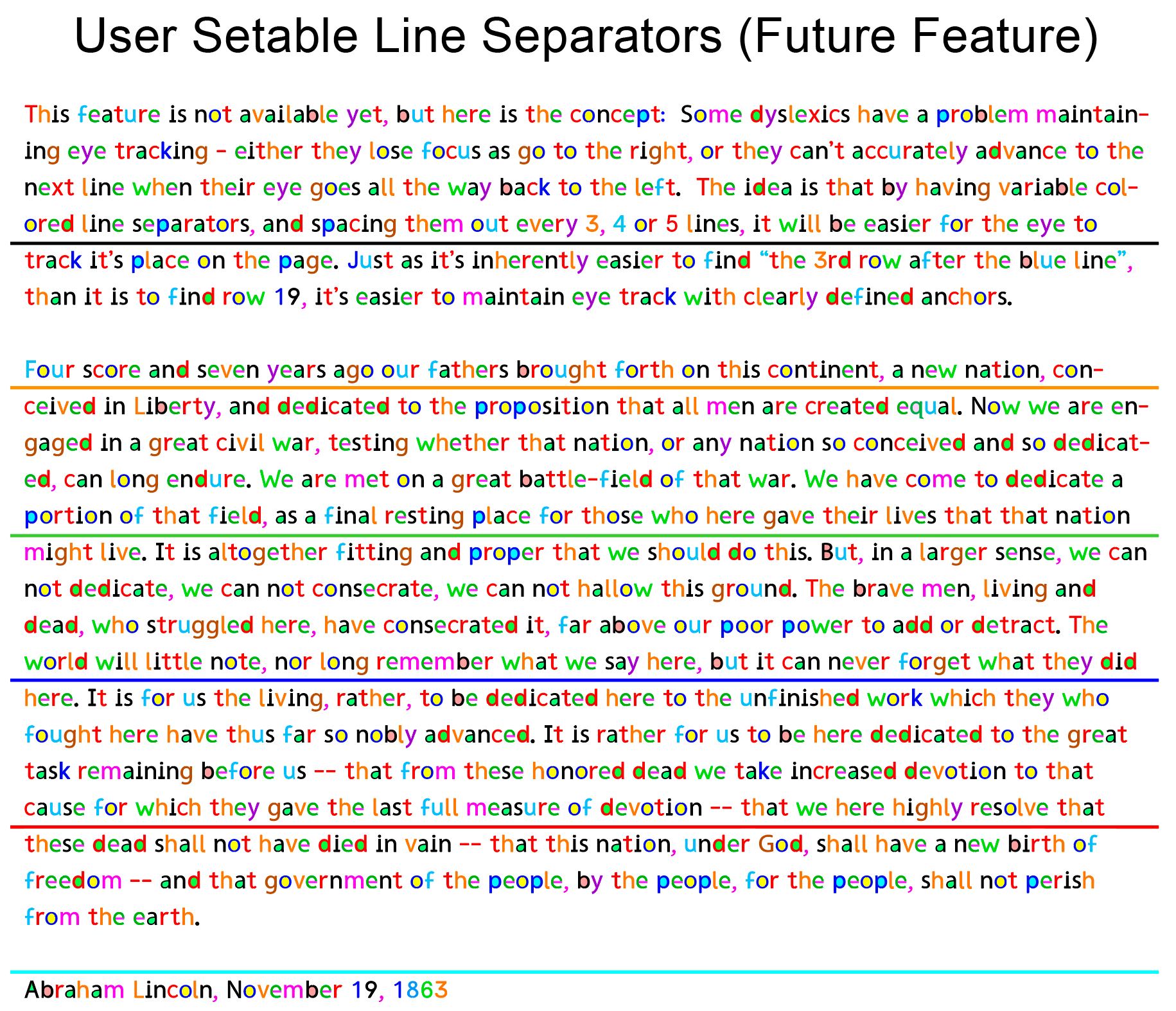
Many early testers have stressed the potential benefit of this eye tracking feature! This is not available in the current test version because it will require operating system changes before existing websites and apps could make use of it. However, it will be available when RexLex becomes an accessibility option rolled into iPhone and Android accessibility options.
Many readers find that their eyes drift to lines above or below the current reading line, or they struggle to advance to the next line seamlessly. Actually, basic text contains no lines - the lines are a construct of our own perception which notices the alignment of parts of letters. Rather than relying on the reader’s perception to generate this internally, RexLex will add actual lines and create a frame for text which perception can use to guide the eye.
Obviously it’s hard to tell if you are on line 15 or 16, but easy to track if you are 1 above the red vs 2 above the red. The number of lines will be a user setting but the most likely number is every 4th line. Most animal brains can count and group things up to 4 in a single step, whereas it takes multiple steps to count higher, so separating by 4 is likely to be the most effective.
Line Spacing
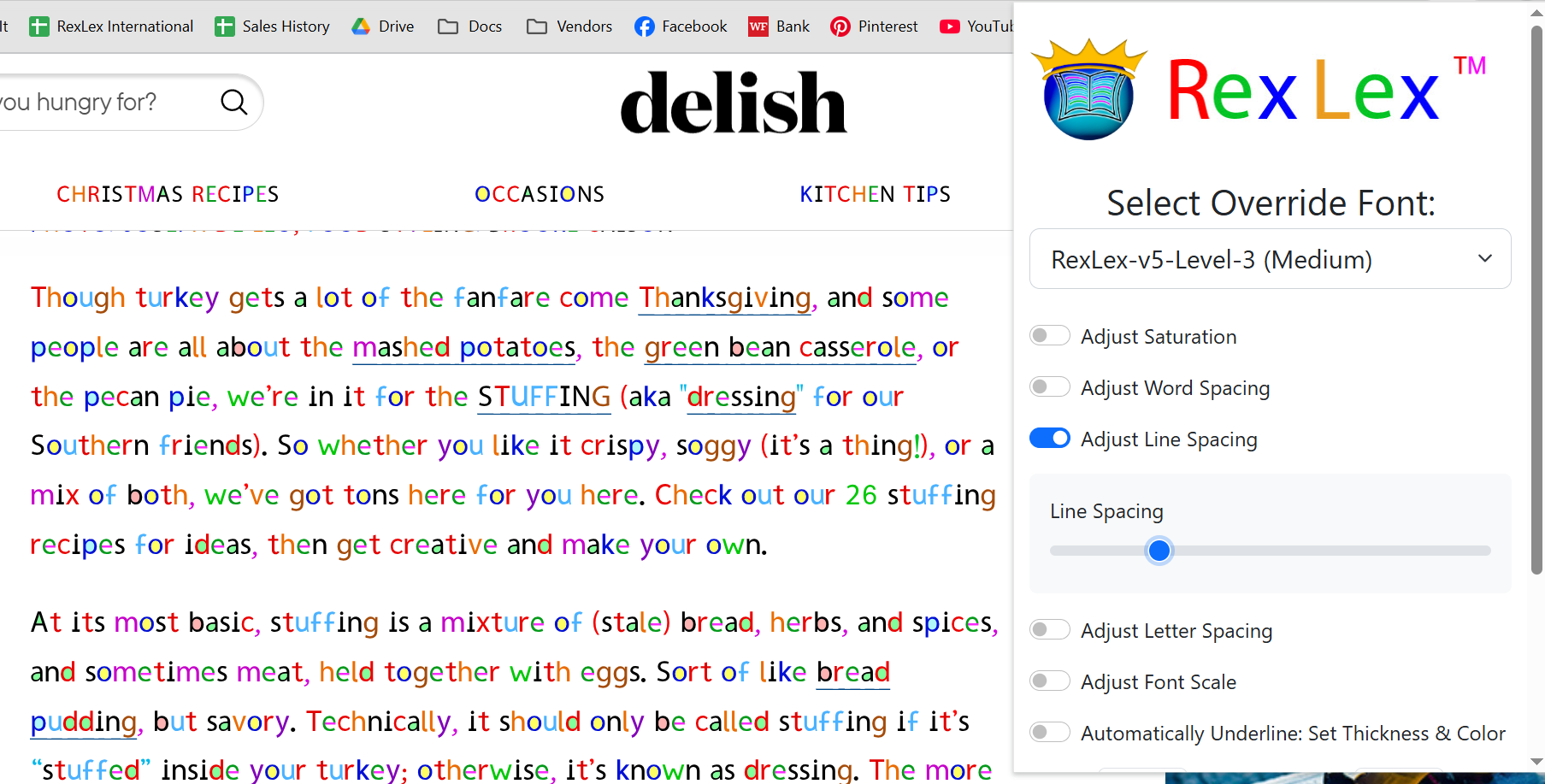
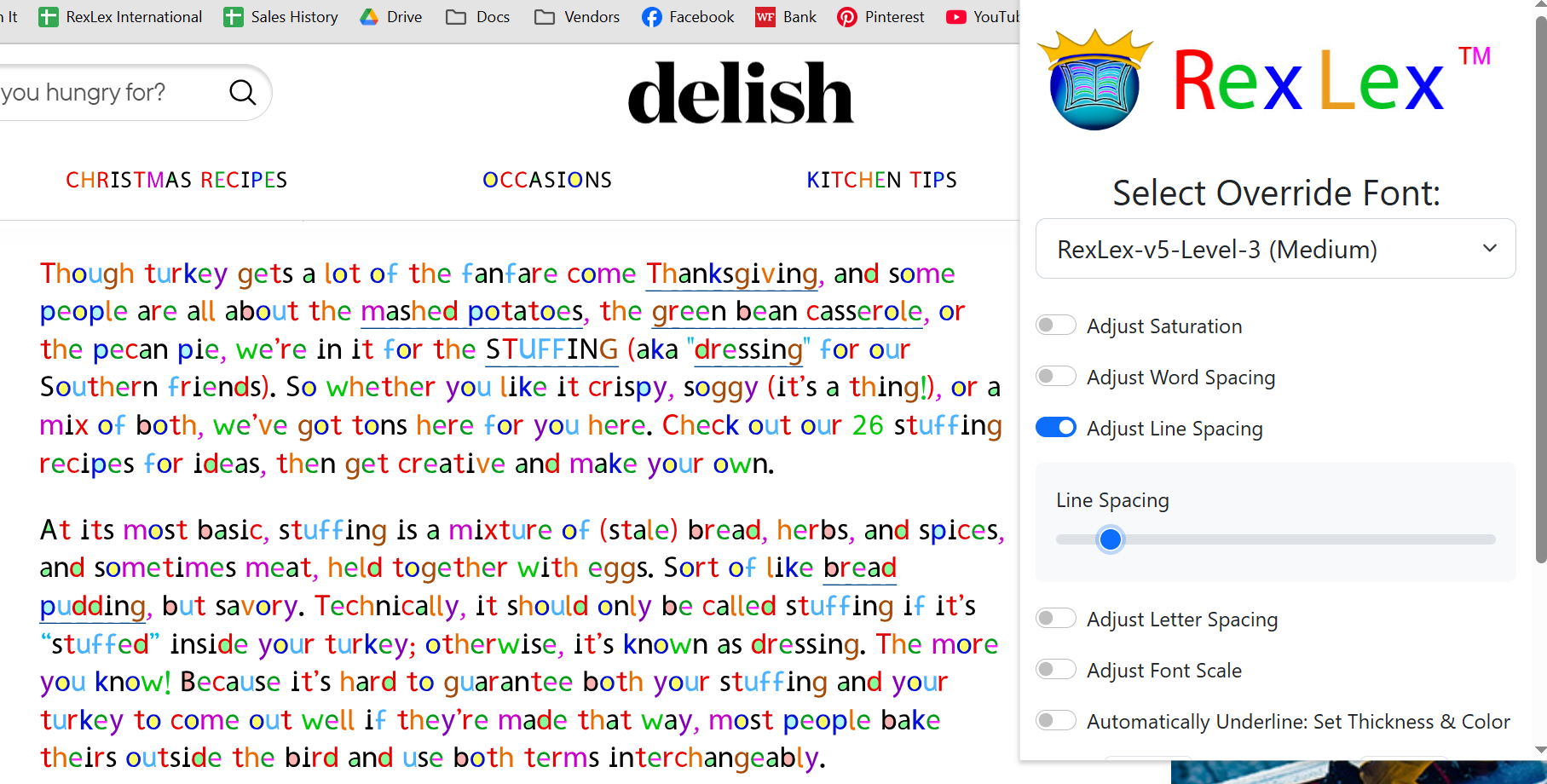
RexLex is available as an extension to Chromium Based Browsers, such as Google Chrome, Microsoft Edge, Opera, Brave. The extension allows you to increase both line spacing and word spacing, which can help with eye tracking:
Example of tight word and line spacing:
Example of wide line spacing: